Case study / 04
Architecture Publishing
Screen + Print System
- Role
- Editorial strategy, UX/UI, frontend, print and PDF automation
- Year
- Completed
- Stack
- HTML5 / CSS3 / Playwright / Python / PyMuPDF / ReportLab / pypdf
The overview
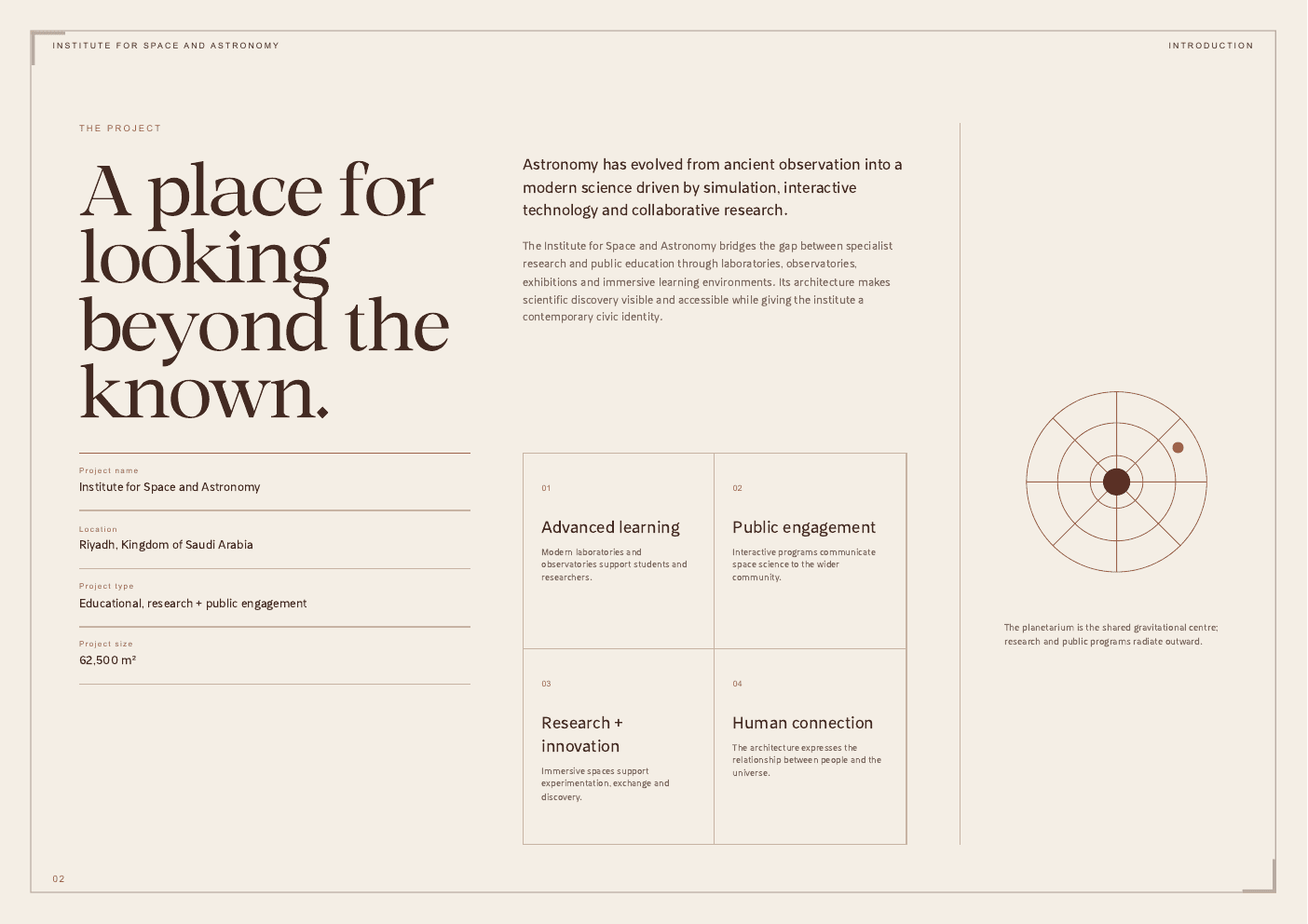
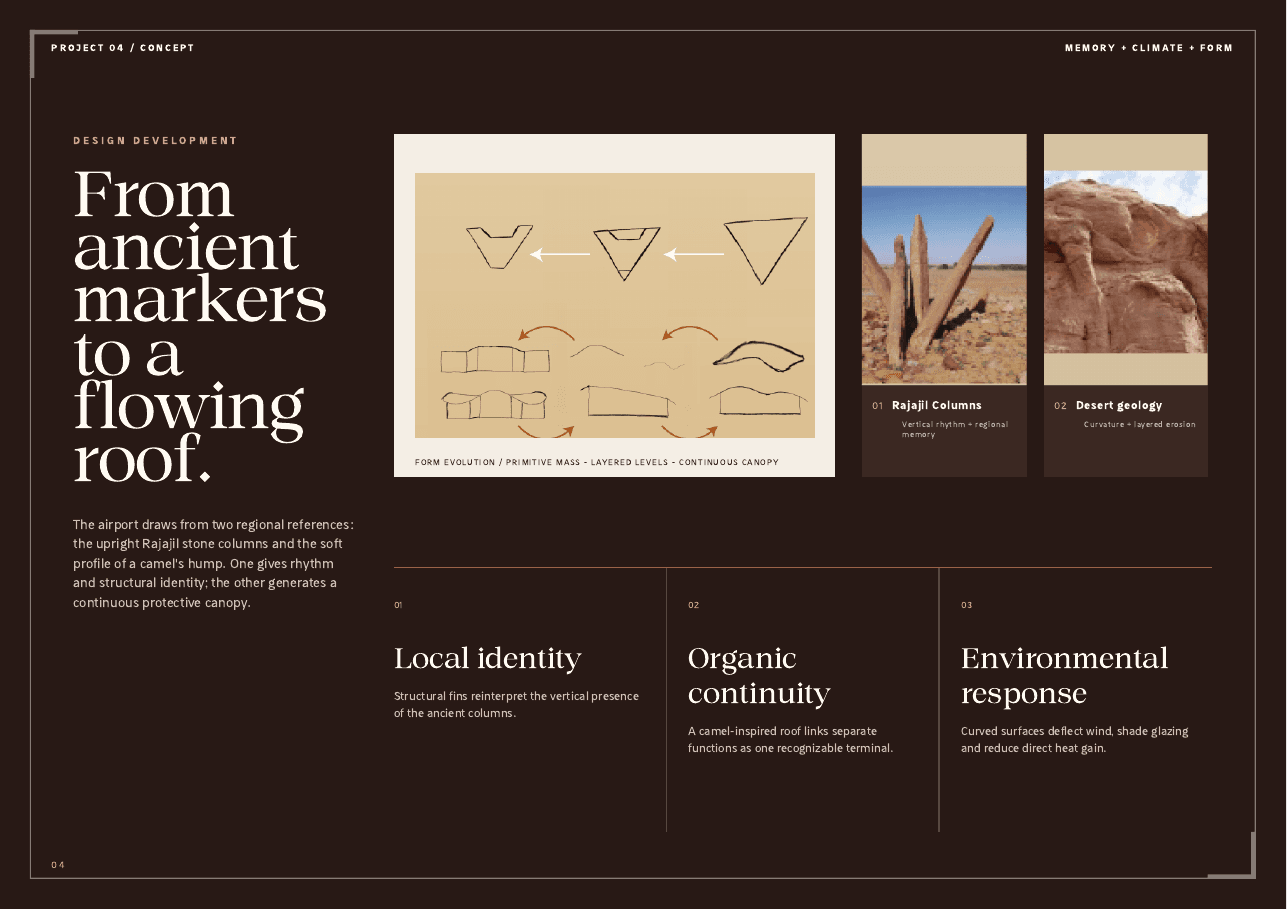
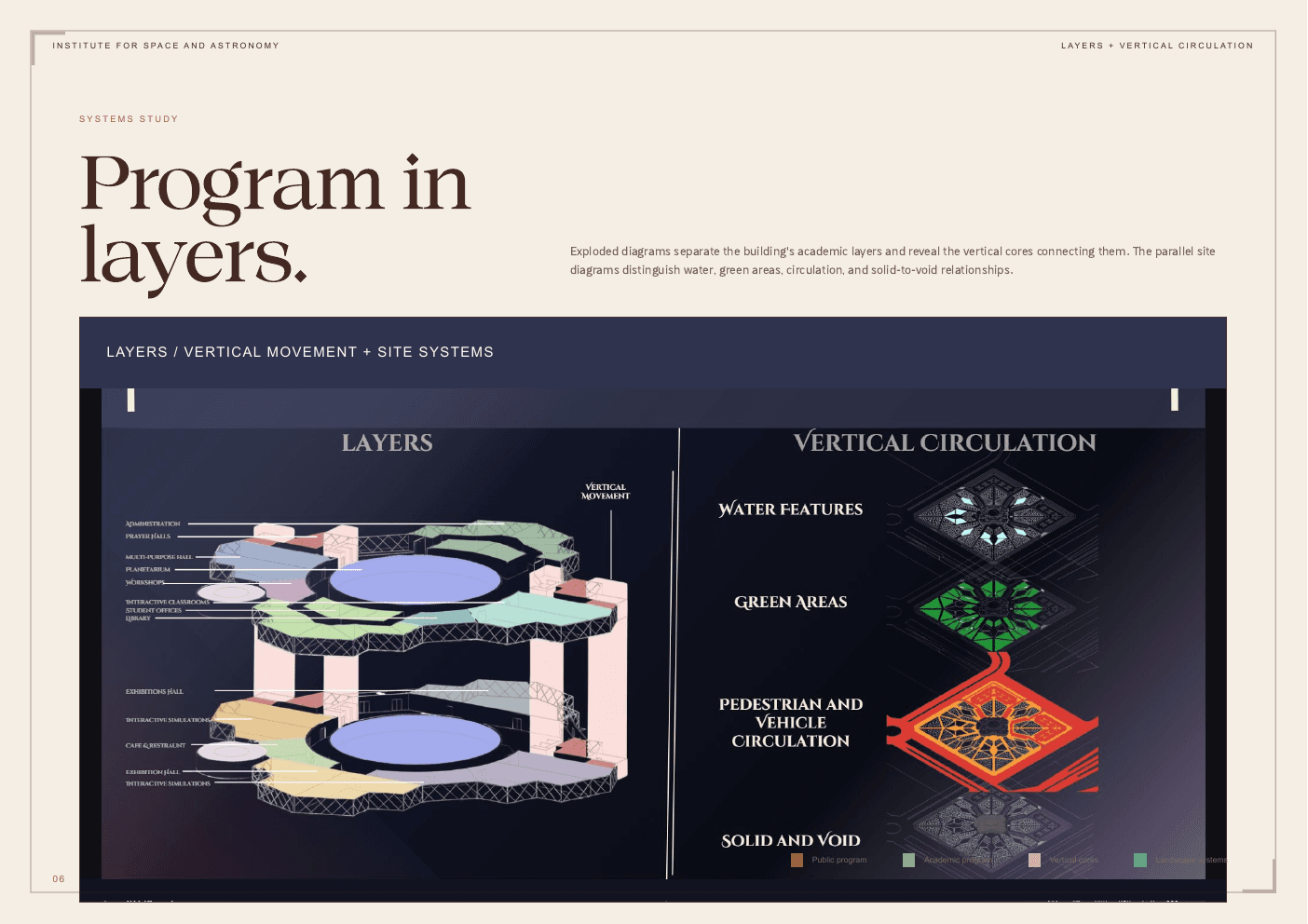
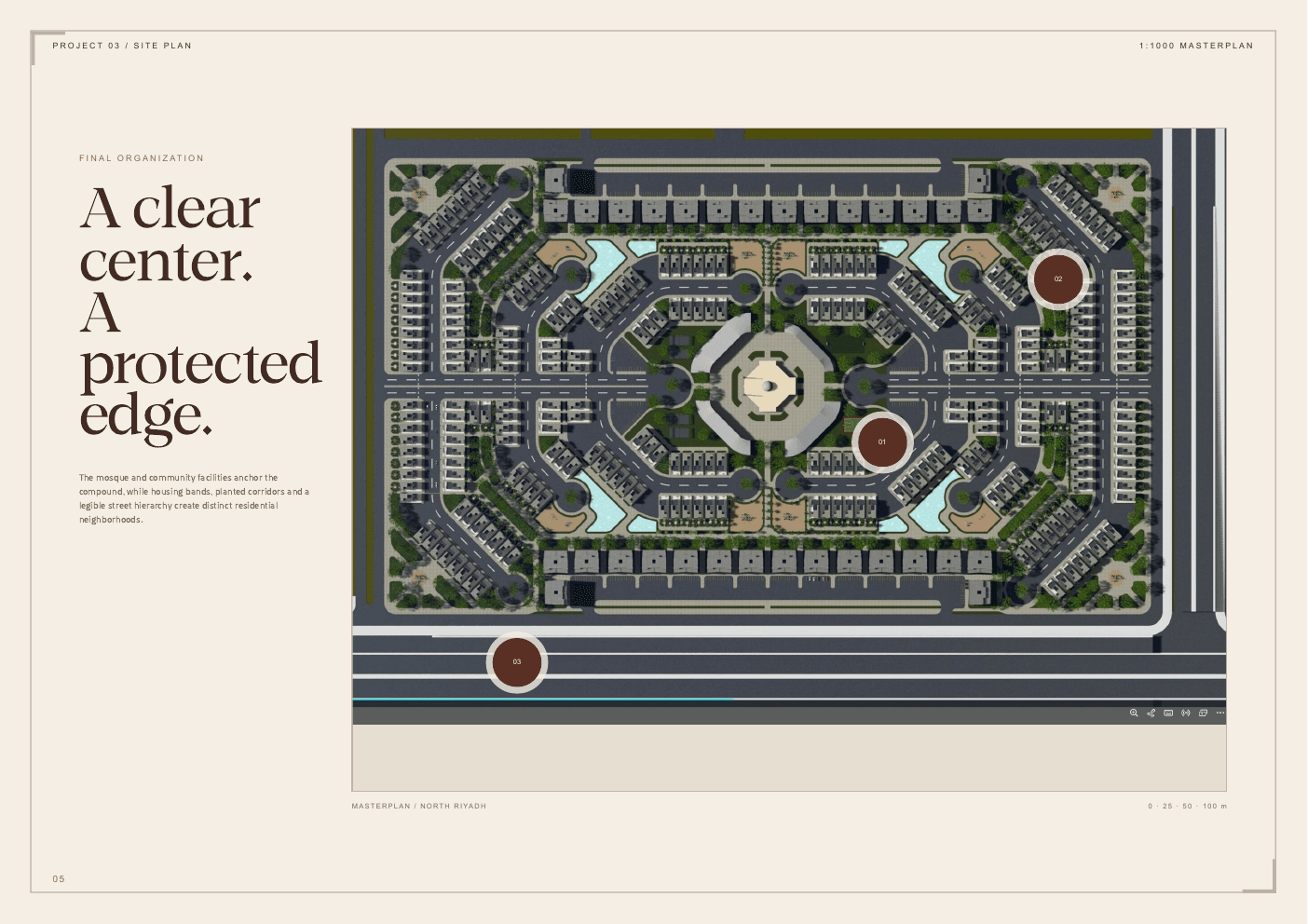
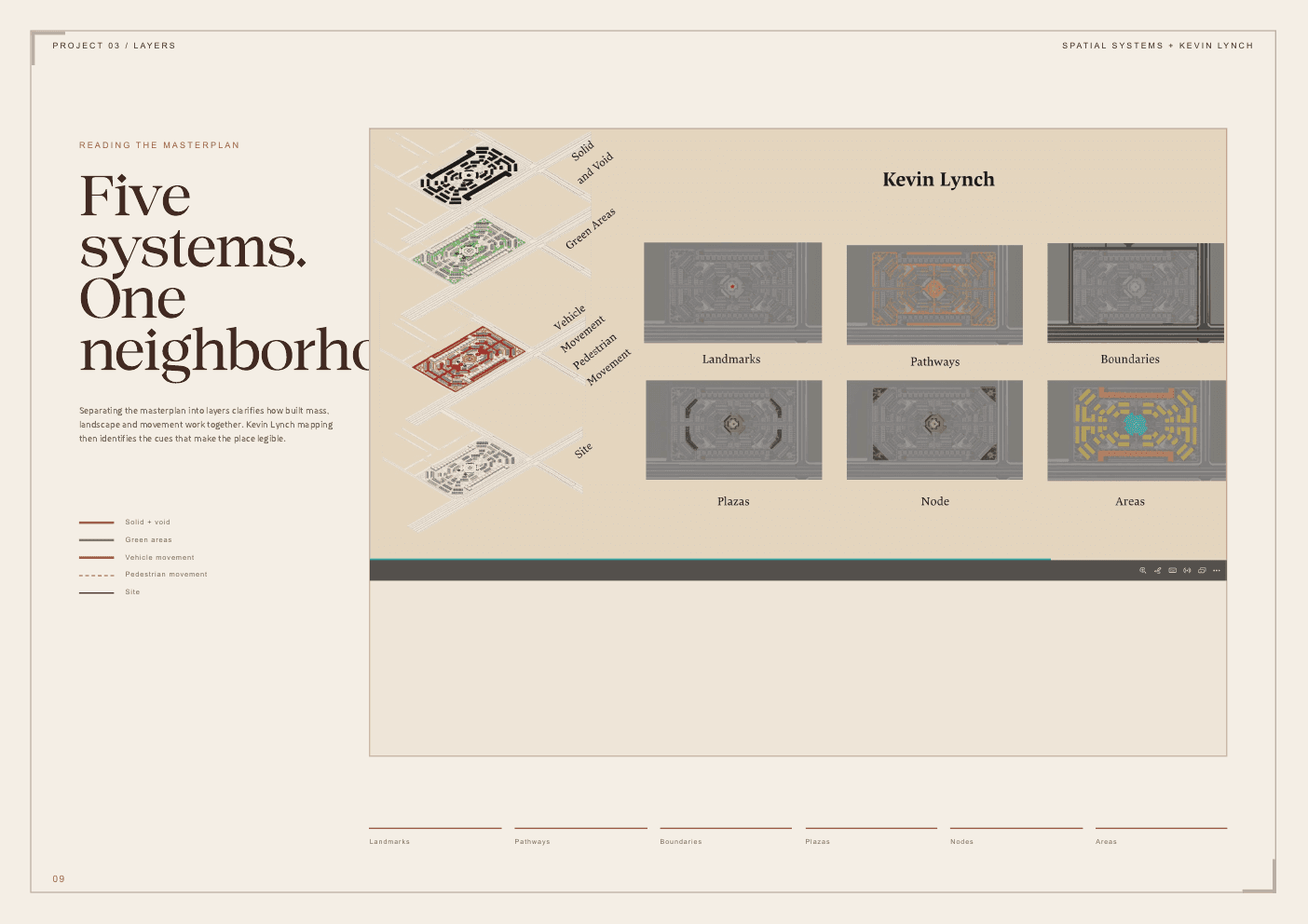
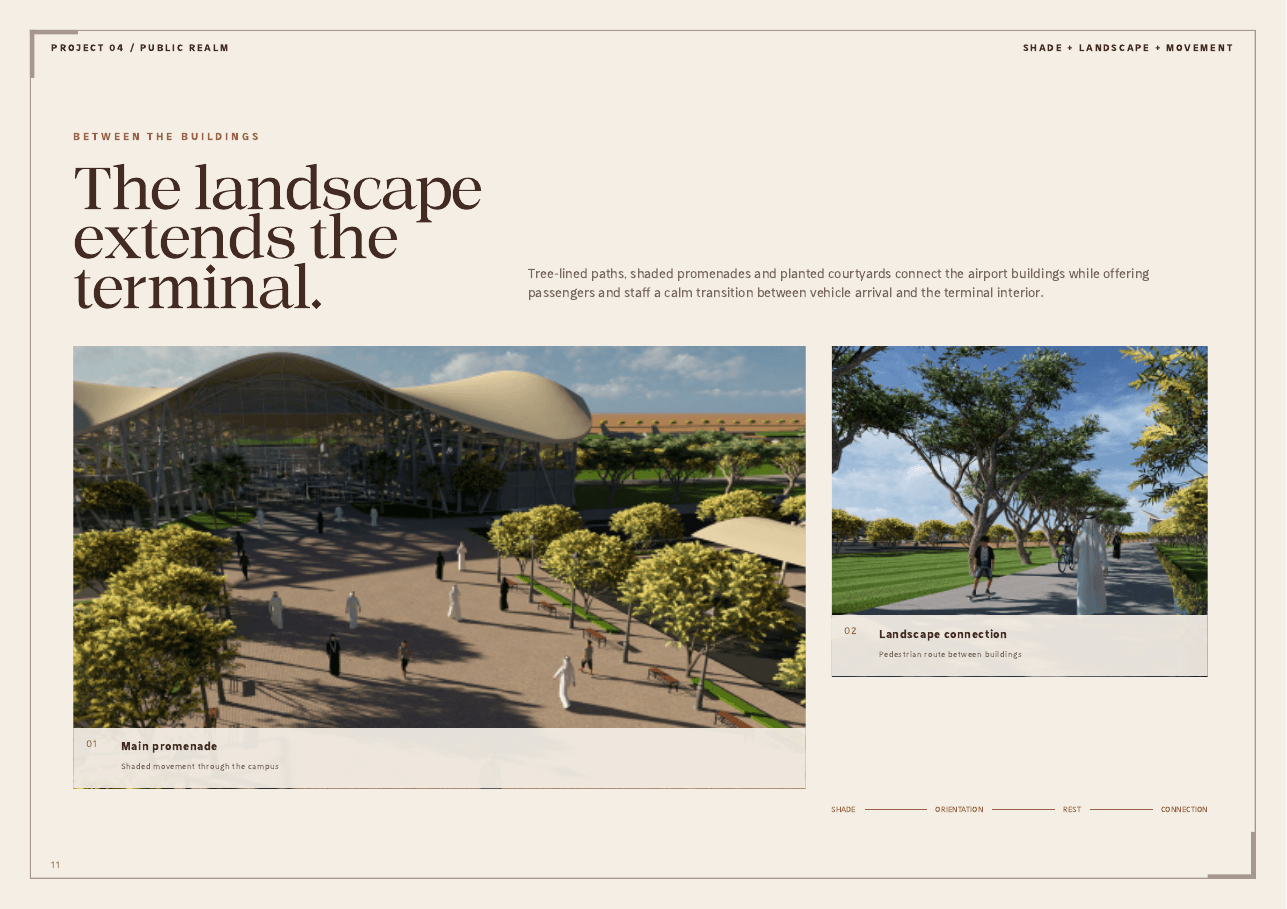
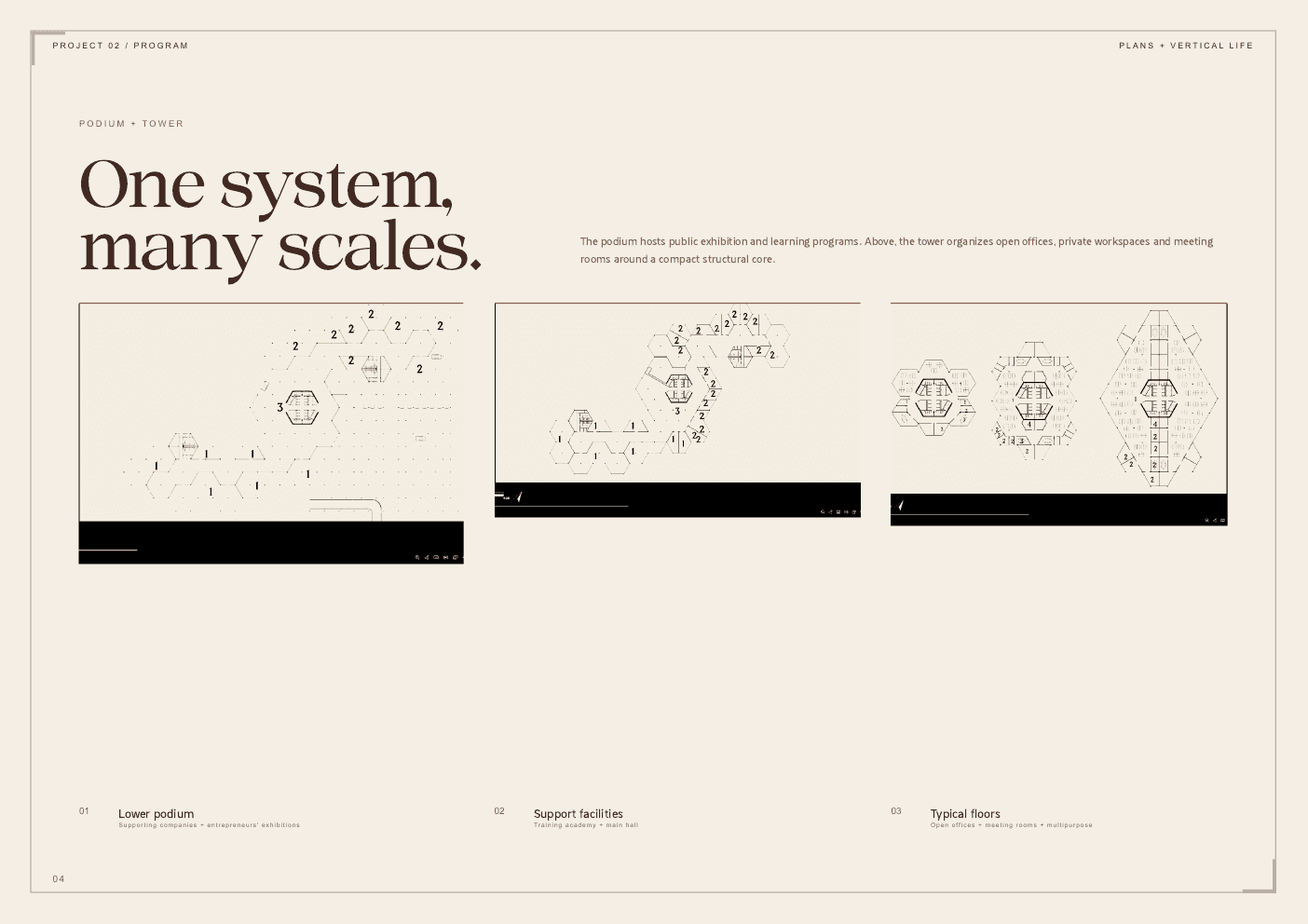
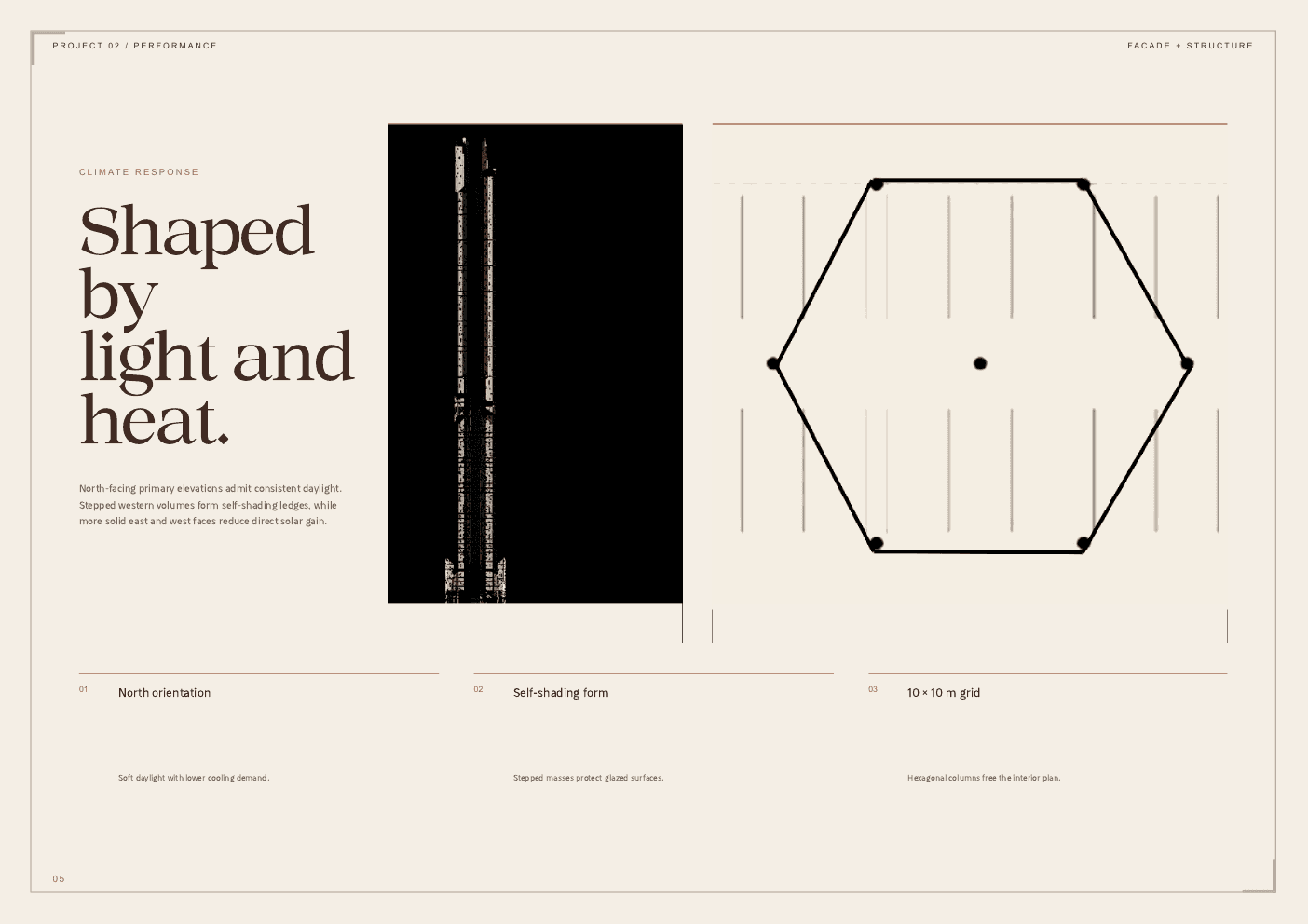
I developed a browser based publishing workflow for organizing four architectural projects into one consistent digital and print experience. The system combines responsive HTML and CSS, fixed A4 page layouts, automated Chromium rendering, PDF assembly, and high resolution asset extraction. Each project retains its own visual character while following a shared hierarchy for context, concepts, plans, systems, technical drawings, and renders.
01 / The challenge
The source material arrived as disconnected boards, PDFs, renders, plans, and diagrams. Directly combining it would create an inconsistent portfolio that was difficult to review, while responsive screen layouts and fixed A4 print pages imposed very different constraints.
02 / The response
I reorganized the material into a repeatable editorial sequence, built each chapter with semantic HTML and project specific CSS, and created a shared visual system for typography, framing, captions, and project facts. Playwright and Chromium generate print ready PDFs and previews, while Python tooling recovers, normalizes, and assembles the source assets into a finished publication.
What shipped
- 01Four architecture chapters using one adaptable editorial design system
- 0238 generated A4 landscape project pages and a 45 page combined portfolio
- 03Responsive desktop and mobile presentation from the same source material
- 04Automated Chromium rendering for PDFs and visual previews
- 05Thirty recovered and organized high resolution assets, including one 7680 × 4320 plan
- 06ReportLab and pypdf assembly with front matter, metadata, and internal page links
- 07Semantic structure and alternative text across the inspected website images
Next case study
NAWA | نوى